
SteamAcademy
Landing page
- Client
- SteamAcademy
- Role
- UX/UI designer
- Year
- 2023
- Tools
- Figma
- Type
- Landing page
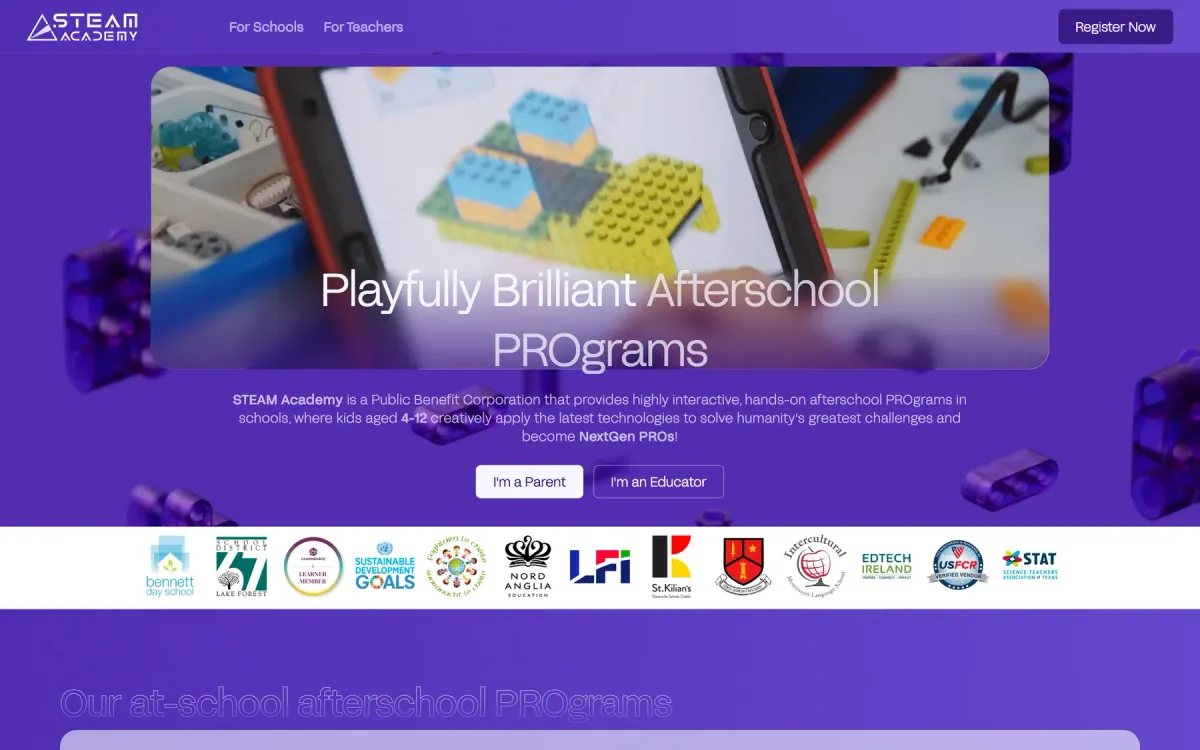
One landing page that welcomes parents and educators, equally.
How I designed SteamAcademy
Discover
- Academy and brand
- Parents and educators
- Reference sites
Define
- One clear goal
- Page structure
- Key messages
Design
- Wireframes
- UI design in Figma
- Mobile first
Deliver
- Figma handoff
- Developer support
- Design review
The Brief & My Response
Brief
SteamAcademy, the EdTech arm of Robotikos Akademija, needed a page that explains its afterschool programmes and gives each visitor a clear next step.
My response
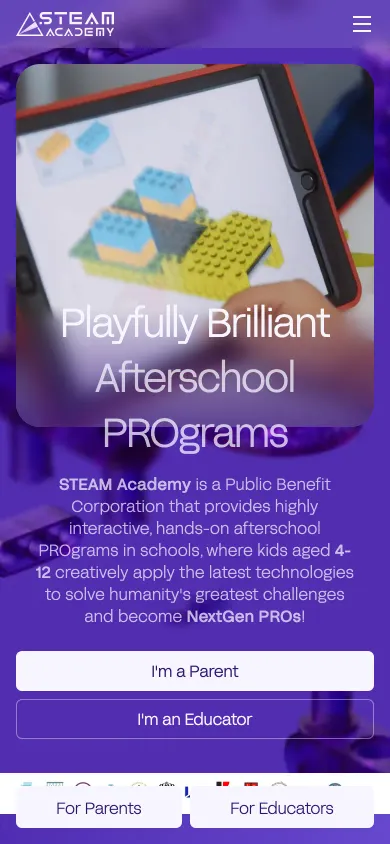
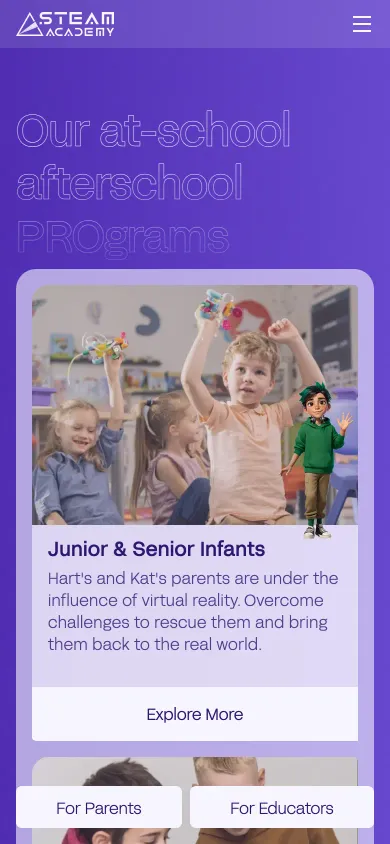
A playful, orderly page with one headline, two clear entry points (I’m a Parent, I’m an Educator), programmes by age group and a row of partner logos for trust.
Site Map
Landing page
- 01Hero
- 02Programmes by age
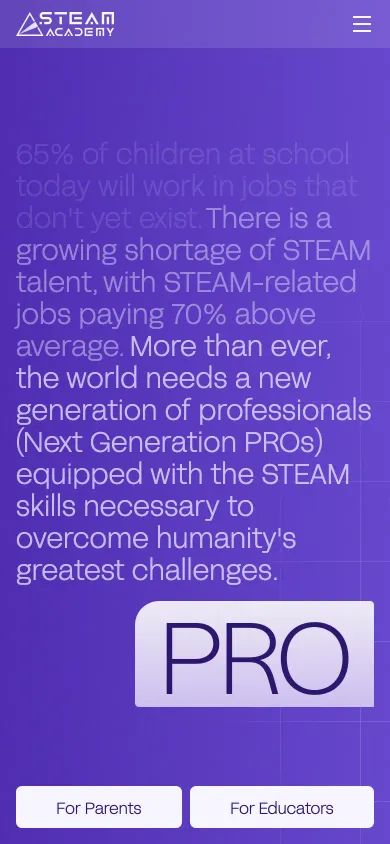
- 03Why STEAM
- 04Video
- 05Our values
- 06Partner schools
- 0721st-century skills
- 08Classrooms
- 09Testimonials
- 10For schools
- 11Get started
One page, read top to bottom: promise, proof, then the two ways in.
Complete Interface Preview
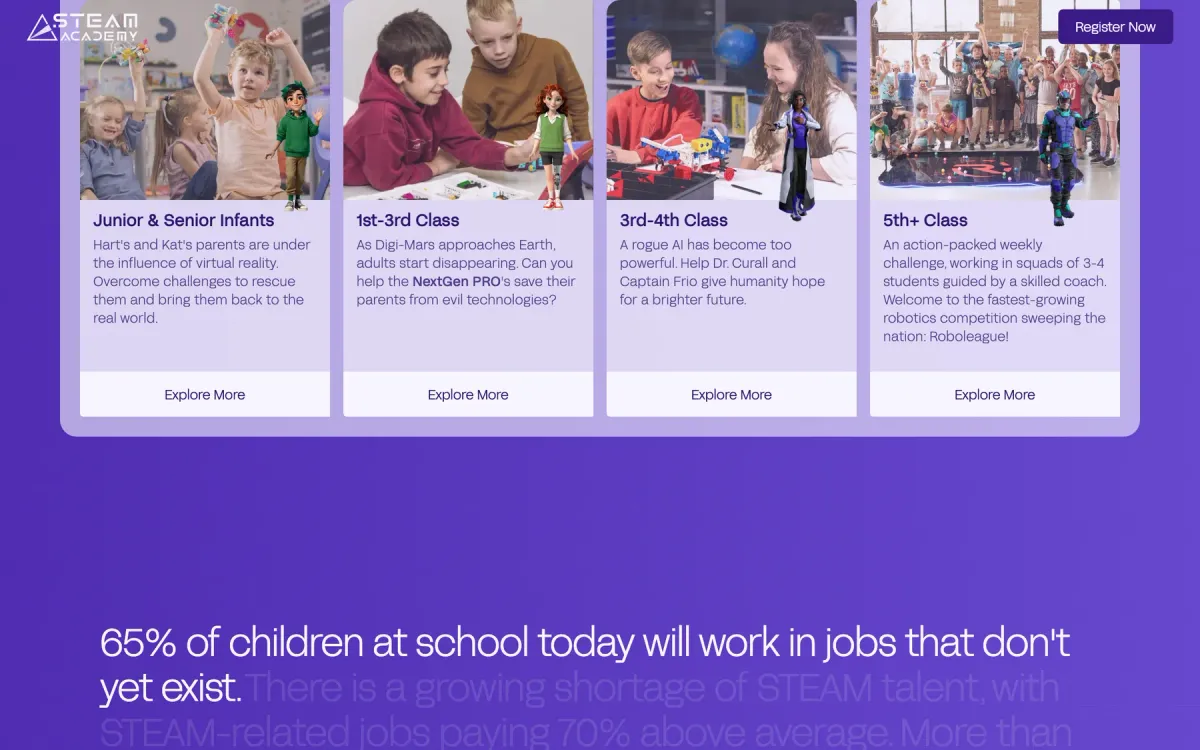
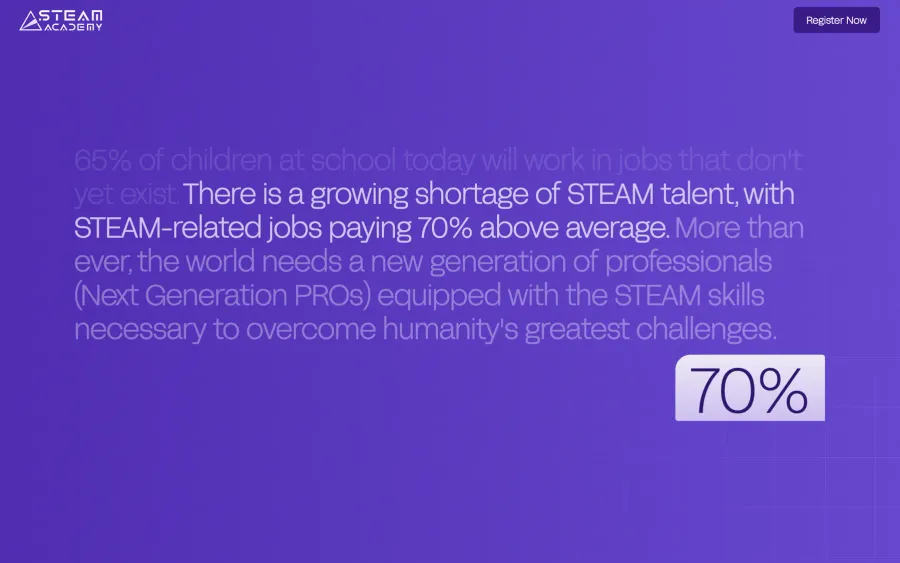
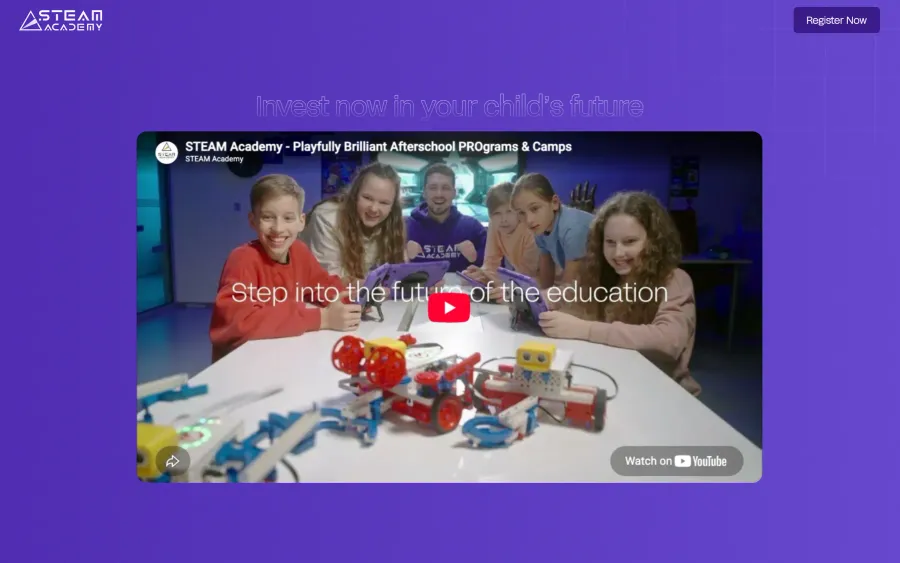
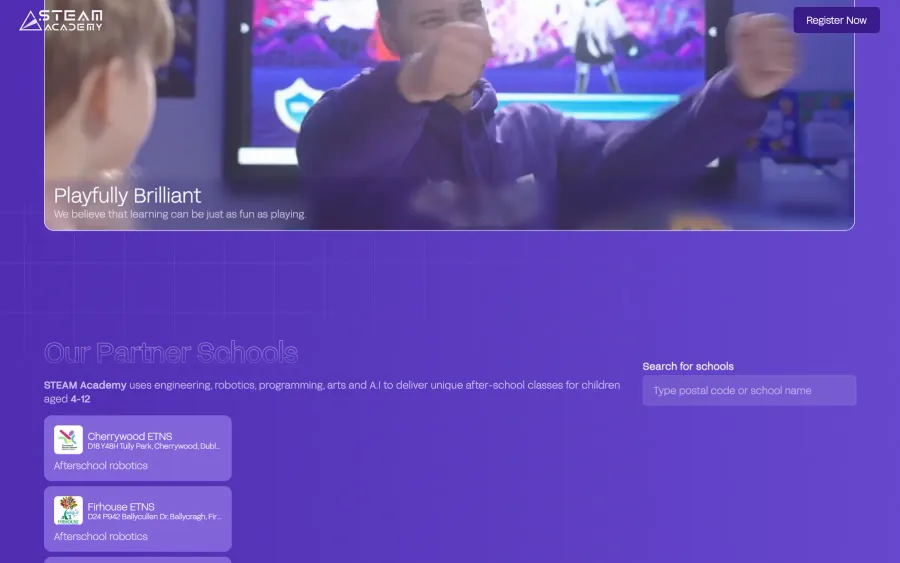
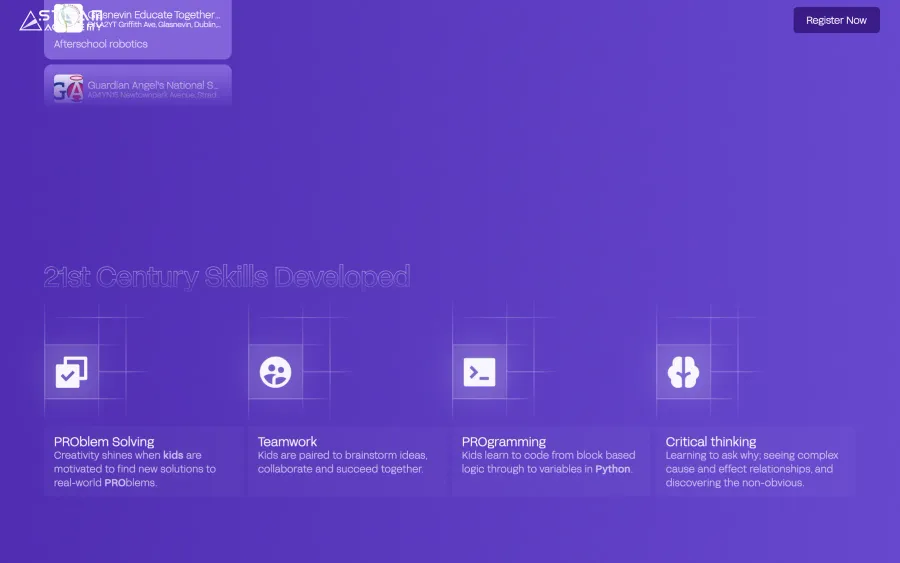
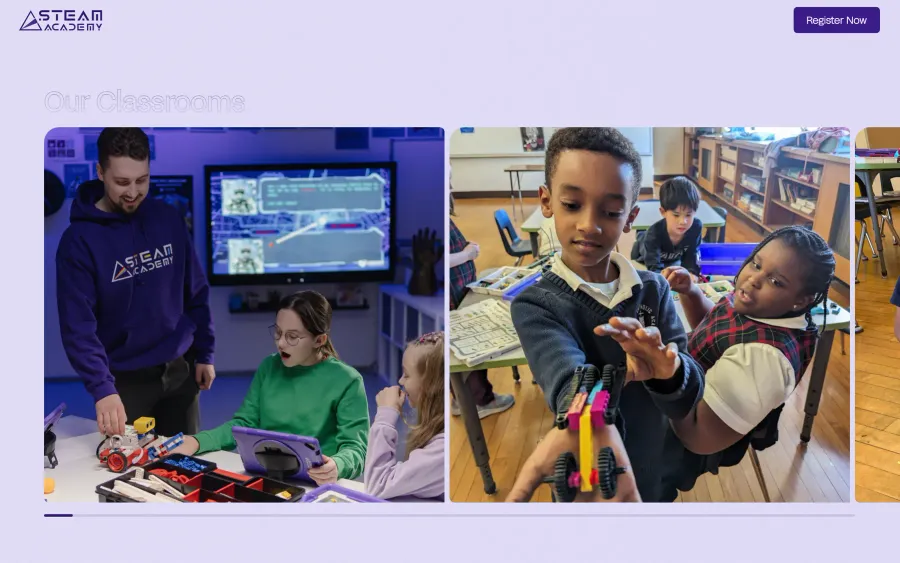
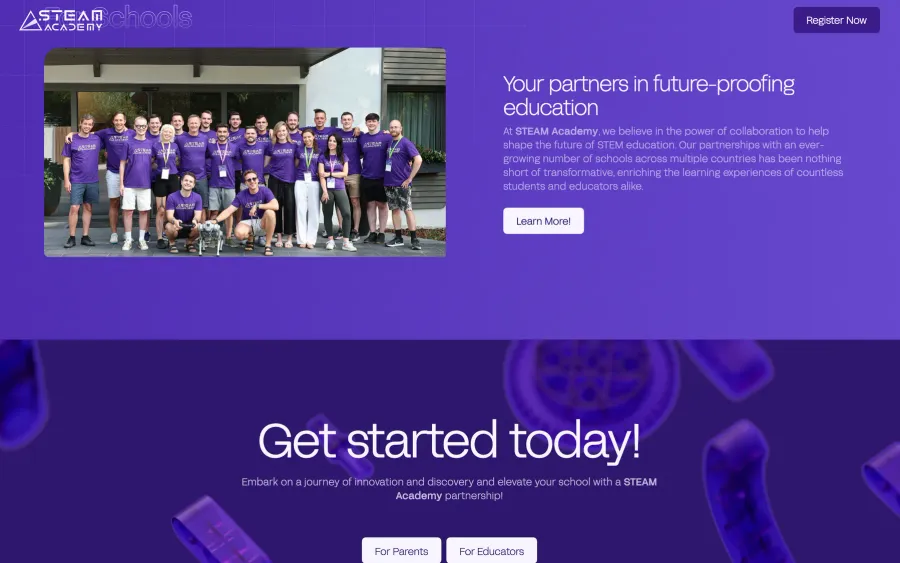
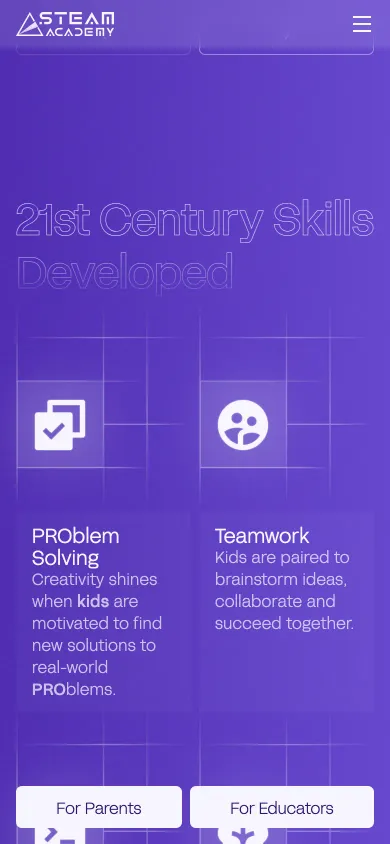
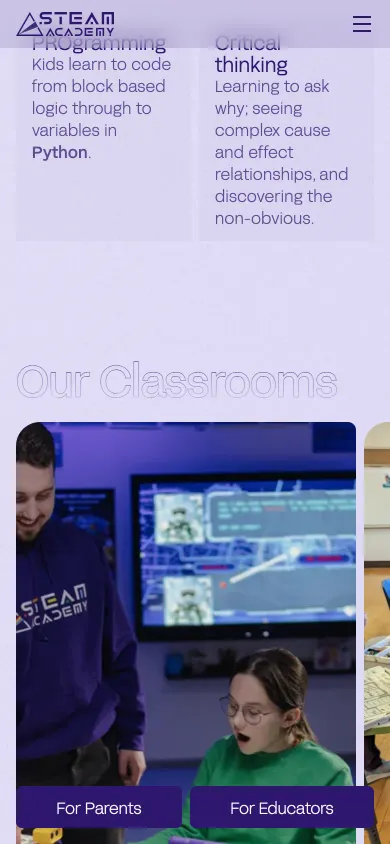
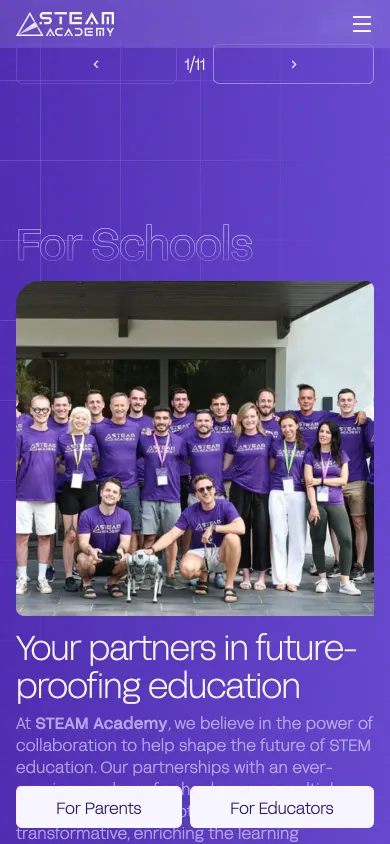
Visual Language
Title
- Usage
- Headlines
- Weight
- Light 300
- Category
- Sans serif
Body text
- Usage
- Body and interface text
- Weight
- Regular 400
- Category
- Sans serif
Colour palette
- #572FBFPrimary
- #2F176EDeep
- #8364D9Light
- #D5CDF4Tint
- #F7F5FFSurface
- #F9CE88Highlight
Adaptive grid framework
Thanks for watching
See the page live. ↗